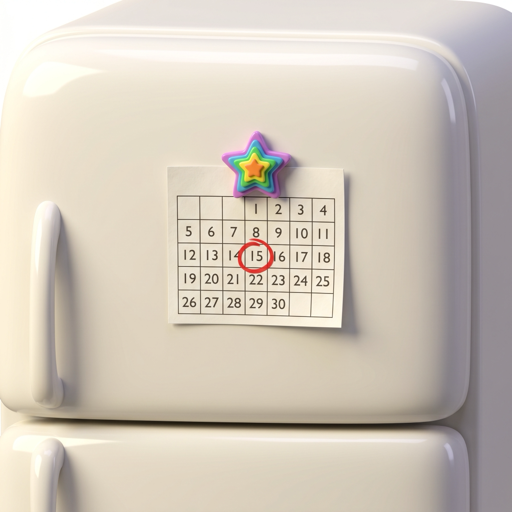
Fridge2Cal
Snap a calendar. Get real events.
Fridge2Cal
Snap a calendar. Get real events.
Snap a photo of a handwritten or printed calendar — a school year wall calendar, a team practice schedule, a fridge planner — and Fridge2Cal extracts every event and drops them straight into your iPhone Calendar. Review, edit, then add with one tap.
Stop typing dates. Start scanning them.
Works on chicken scratch, neat block letters, photocopied schedules, and printed monthly grids alike.
Fridge2Cal pulls out everything an event needs — including all-day events, multi-day ranges, and recurring entries.
Every extracted event lands as an editable draft. Fix typos, adjust times, or skip the ones you don't want.
Tap to add to your default calendar via EventKit. The events live where the rest of your life already does.
Fridge2Cal uses an anonymous device identifier. No email, no name, no social sign-in. Your photos are yours.
Four taps from paper to calendar.
Take a photo of the handwritten or printed schedule, or pick one from your library.
The image is uploaded and a vision model extracts each event with title, date, time, and location.
Scan the list, fix anything that looks wrong, and uncheck anything you don't want.
One tap writes the events into your default iOS calendar via EventKit.
Fridge2Cal uses AI vision to read your calendar photos and may misread dates, times, locations, or event titles. Always review the extracted events before adding them to your calendar. Fridge2Cal is not a substitute for double-checking against the original schedule. See the Terms of Service for full disclaimers.